
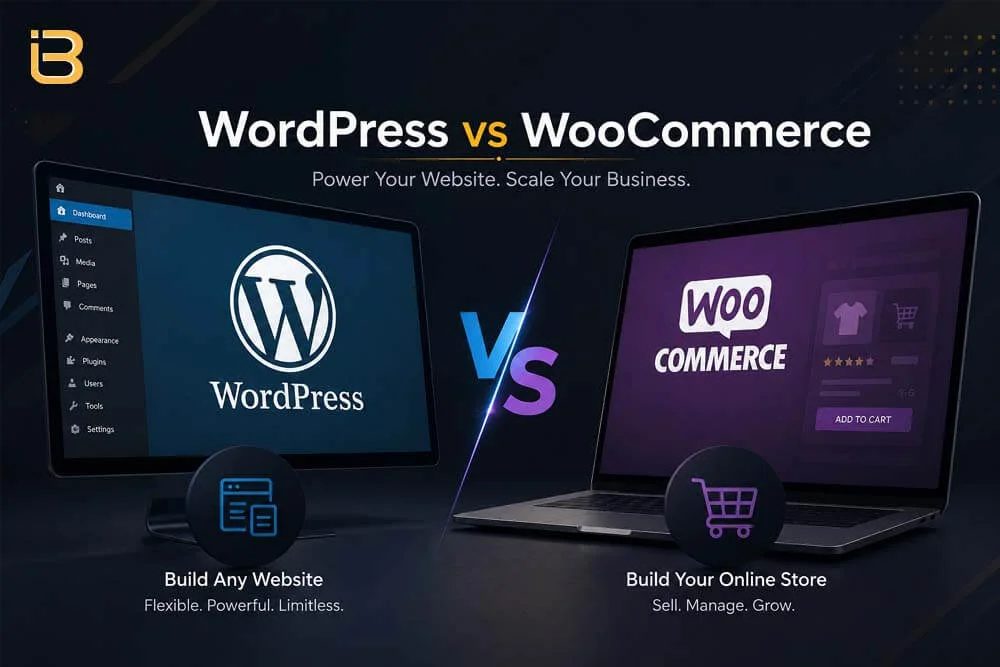
WordPress vs WooCommerce: Which is Better for You?

Choosing the right platform to build your digital presence can feel overwhelming. Every online business has unique demands, and picking the wrong software often leads to costly rebuilds later. If you are researching web development options, you have likely come across two major names: WordPress and WooCommerce.
WordPress vs WooCommerce: Which One Is Right for You?
People often confuse these two platforms, treating them as direct competitors. However, understanding their core differences is essential before you start building your site.
This guide breaks down everything you need to know about WordPress vs. WooCommerce, helping you determine which solution best matches your goals, budget, and business strategy.

Understanding the Foundations

What is WordPress?

WordPress (specifically WordPress.org) is an open source Content Management System (CMS). Launched in 2003 as a simple blogging tool, it has evolved into the power engine behind over 40% of all websites globally.

It allows you to build virtually any type of website without writing code from scratch. From personal blogs and corporate websites to portfolios and news portals, WordPress gives you complete control over your content and layout.

What is WooCommerce?

WooCommerce is not an independent CMS. Instead, it is an open source e-commerce plugin built specifically for WordPress.

Launched in 2011, WooCommerce transforms a standard WordPress site into a fully functional online store. It enables you to list products, manage inventory, calculate shipping, process secure payments, and manage customer orders seamlessly.

Core Comparison: The Fundamental Differences

The main distinction lies in their purpose. Think of WordPress as the foundation, frame, and walls of a building. WooCommerce is a specialized commercial setup like a retail storefront that you place inside that building.

Responsive Table - WordPress vs WooCommerce
Feature WordPress WooCommerce
Primary Role Content Management System (CMS) E-commerce Engine / Plugin
Standalone Use Yes, operates independently No, requires WordPress to run
Primary Focus Blogs, corporate sites, portfolios Product sales, store management, cart/checkout
Setup Complexity Very Low to Moderate Moderate to Advanced (due to payments & shipping)
Core Functionality Pages, posts, categories, media Products, shopping cart, checkout, payment gateways

Detailed Feature Breakdown

1. Ease of Use and Setup

Setting up a standard WordPress site is straightforward. Most web hosting providers offer one click installations. Within minutes, you can log into your admin dashboard, choose a visual design, and start publishing content.

Integrating WooCommerce adds extra layers of configuration. While the installation wizard guides you through basic store settings, you must configure tax rules, shipping zones, payment gateways like Stripe or PayPal, and add product details.

2. Customization and Design

Both platforms excel in design flexibility. WordPress offers thousands of free and premium themes that control your site’s overall appearance. You can customize pages visually using popular drag-and-drop page builders.

When you activate WooCommerce, you gain access to store-specific design elements. You can design product grids, customer account portals, custom checkout flows, and cart pages. Thousands of e-commerce-focused themes ensure your store looks modern across desktop and mobile devices.

3. Monetization and Sales Capabilities

Core WordPress allows basic monetization through affiliate marketing, Google AdSense, or display advertising. However, native WordPress lacks secure checkout mechanisms and inventory management tools.
WooCommerce turns your site into a selling machine. You can sell physical goods, digital downloads, software licenses, recurring memberships, or bookable appointments. It offers comprehensive inventory tracking, automated coupon generation, tax calculations, and real-time shipping carrier integrations.

4. Search Engine Optimization (SEO)

Search engine visibility is a major strength for both options. Core WordPress is inherently built with clean code and URL structures that search engines love. Powerful plugins like Yoast SEO or Rank Math help you optimize meta descriptions, titles, and schema markup effortlessly.

WooCommerce builds upon this strong SEO foundation by extending optimization options to product pages. You can optimize product descriptions, add structured product schema (prices, ratings, stock status), and organize categories to rank for lucrative buyer-intent keywords.

Cost Comparison: Understanding Your Investment

While both WordPress and WooCommerce software are 100% free to download and use, running a professional website incurs operational expenses.

Essential WordPress Costs:

Additional WooCommerce Expenses:

Pros and Cons Matrix

WordPress (Standalone)

Pros:

Cons:

WooCommerce

Pros:

Cons:

Decision Framework: Which Is Right for You?

Choose Standalone WordPress If:

Choose WordPress + WooCommerce If:

Unlocking Growth with Professional Development

Setting up a robust WordPress or WooCommerce site requires meticulous attention to performance, security, and site architecture. Poorly configured plugins, slow hosting, or unoptimized images can drastically harm your conversion rates and search rankings.
Digital agencies, freelancers, and businesses looking to scale often seek technical expertise to handle custom builds. Working with an experienced technical partner ensures that your digital infrastructure remains fast, secure, and fully customized to your business goals.

For marketing agencies looking to expand their service offerings without overhead costs, partnering with a white label WordPress website development agency provides access to expert developers who deliver pixel-perfect, SEO optimized web solutions under your brand name.

FAQs

Can I turn my existing WordPress website into a WooCommerce store later?
Yes. You can install and activate the free WooCommerce plugin on your existing WordPress site at any time. This immediately adds e-commerce features without losing your current content or pages.
The core WooCommerce plugin is 100% free. However, you will need to pay for web hosting, domain registration, payment processing fees, and any optional premium extensions or themes you choose.
No. WooCommerce is built specifically as a plugin for WordPress. It cannot run as a standalone application without WordPress functioning as the underlying content management framework.
WooCommerce offers full control, complete data ownership, and superior flexibility without platform transaction fees. Shopify is a hosted platform that handles security and maintenance for you, but it offers less design customization and charges recurring monthly platform fees.
No advanced coding knowledge is required for basic management. Both platforms provide intuitive visual dashboards. However, custom features, complex integrations, and advanced performance optimizations often benefit from professional development support.